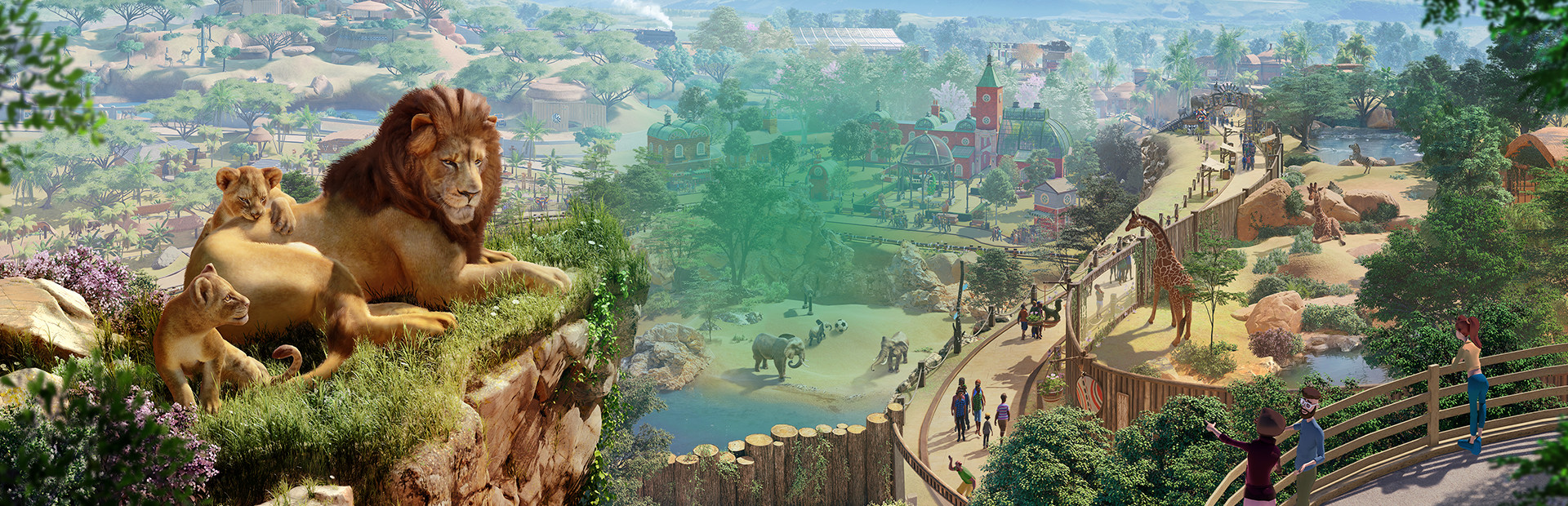
Planet Zoo with all controls for Samsung EL GP20 BT
by Generic
Planet Zoo
Works great with Samsung EL GP20 BT. Xbox usually also works with these mappings although the 2 left sticks (pad and stick) seem to be reversed in Xbox from the Samsung EL GP20 config, so you might remap that side. The controls are as an action controller in a video game. You can navigate all angles of your zoo parcel, zoom, screenshot using "ansel" and more. The primary buttons that you will want to use are the 2 triggers, with the lower left pad (will be the pad instead of the left stick on xbox which is why you will want to remap to use the stick for this main navigating) to look around the left trigger. The right trigger will elevate, the left trigger will descend your position. The lower right pad will have mouse wheel zoom. I have it set to longpress activate for turbo fire, so the zooming will happen without repeated press. Therefore only repeated quick press will make controlled zooming. The keys -=[] are in the lower right with activation by
Beta
Best viewed on Desktop (Landscape)